#0484
Like Leaves On A Tree
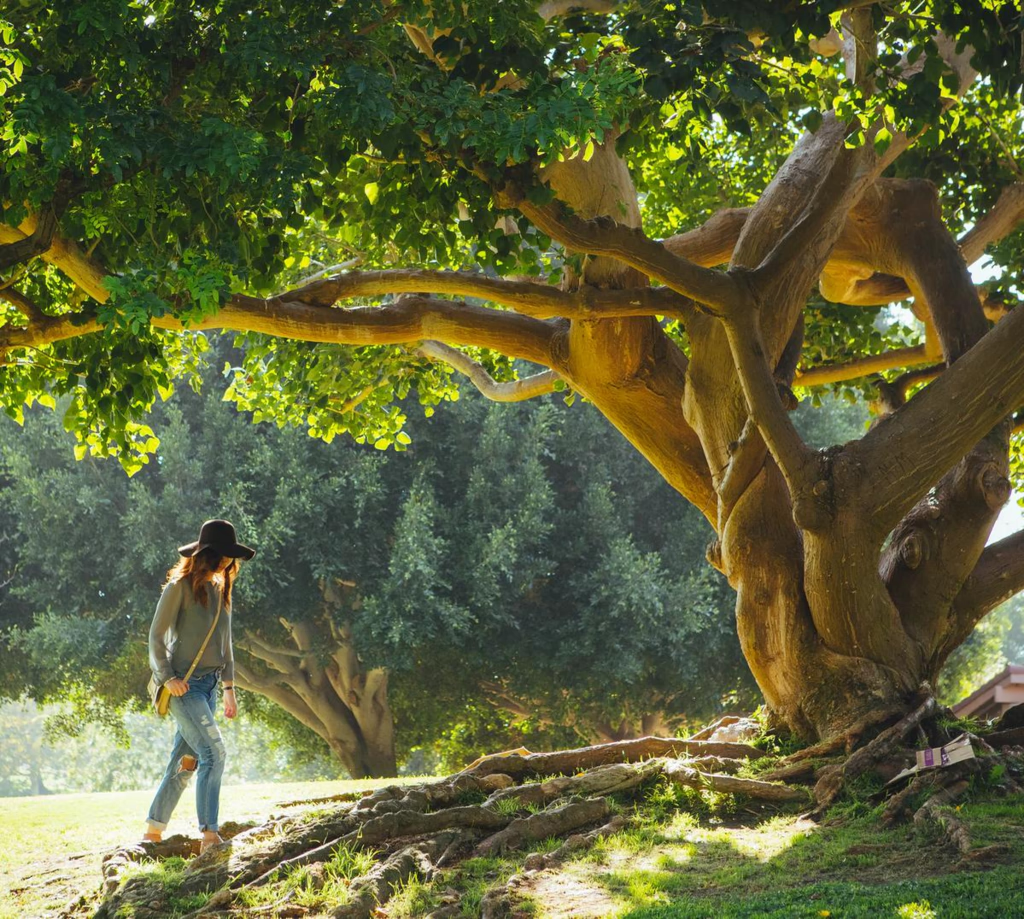
The poem celebrates humans as fluid, creative thinkers rather than mere workers or rule‑followers, urging us to reshape old systems and politics with fresh insight. It calls for genuine learning—re‑reading books and gaining wisdom—rather than superficial study, and frames our progress like a river that needs sunshine, wind, rain, and snow to flourish. The verses conclude that true lessons grow organically, as leaves on a tree, rather than being imposed or taught from the top down.